
Introduction
JBL Bluetooth speakers provide great sound quality, but like other electronics, they can face issues. Common problems include connectivity hiccups, audio quality faults, and battery inefficiencies. Knowing simple fixes for these issues can save you time and improve device performance.
Connectivity Issues
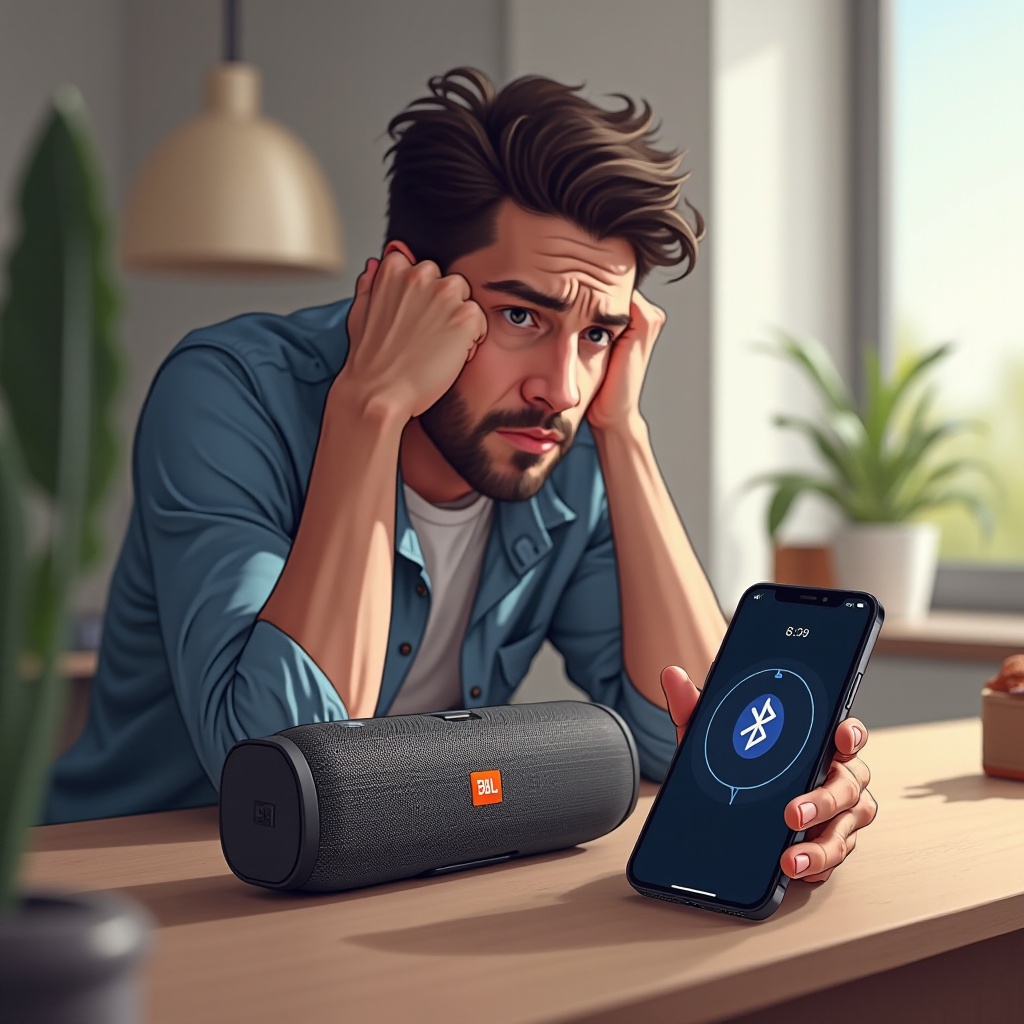
A solid Bluetooth connection is vital for uninterrupted music. People often face pairing troubles or persistent disconnections. Here’s how to tackle these connectivity concerns effectively.
- Troubleshooting Bluetooth Pairing Failures:
- Ensure your Bluetooth is on and within the speaker’s range.
- ‘Forget’ and reconnect to the device in Bluetooth settings.
- Eliminate other nearby devices that might interfere.
-
Reboot both your speaker and device to refresh connections.
-
Solutions for Frequent Disconnection:
- Position your device close to the speaker for a stable connection.
- Reduce electronic interference from nearby devices.
- Verify both the speaker and device are charged properly.
- Update your device and JBL’s firmware to the latest versions.
Reliable connectivity enhances audio enjoyment and prevents disruption. Next, address sound issues to ensure perfect playback.
Sound Quality Problems
Even leading brands like JBL encounter sound issues. Understanding how to correct distorted or intermittent sound can elevate your experience.
- Addressing Muffled or Distorted Sound:
- Check the speaker grille for dust and gently clean it.
- Lower the volume on your device to reduce distortion.
-
Tweak equalizer settings for better acoustics.
-
Fixes for Intermittent Audio:
- Maintain recommended Bluetooth range from the device.
- Ensure no intensive tasks run in the device background.
- Reset the speaker if issues continue.
Sound quality ties closely with the device’s battery. Maintaining both is essential for an enjoyable experience.
Battery and Charging Challenges
Battery issues can disrupt music enjoyment. Recognizing and fixing these problems ensures the speaker stays ready for use.
- Identifying Battery Life Problems:
- Observe the duration of the speaker’s playback on a full charge.
- Charge your speaker regularly, avoiding full drain cycles.
-
Prefer the original charger for optimal performance.
-
Troubleshooting Charging Issues:
- Confirm the charging cable and port cleanliness and functionality.
- Avoid charging in extreme temperatures.
- Seek expert assistance if the battery fails to hold a charge.
Keeping your speaker’s software updated ensures smooth operation and helps prevent problems.
Software and Firmware Updates
Staying current with software updates is critical for any tech device, including JBL speakers.
-
Importance of Regular Updates:
Keeping software updated fixes bugs and enhances performance, preventing hardware issues down the line. -
Step-by-Step Firmware Update Guide:
- Install the JBL Connect app on your device.
- Connect your speaker via the app.
- Follow the app’s prompts to update firmware.
Regular updates reduce pairing complexities and ensure seamless multi-device functionality.
Overcoming Multi-Device Pairing Issues
While beneficial, connecting multiple devices to one speaker can lead to issues. Here’s how to manage them effectively.
-
Managing Multiple Device Connections:
Prioritize main connections by pairing your primary device first and disconnect secondary ones when not needed. -
Prioritizing Bluetooth Devices:
Disable Bluetooth on devices you don’t wish to connect, ensuring priority for your main device.
Well-managed connections simplify device use, enhancing both performance and versatility.
Advanced Troubleshooting and Maintenance Tips
If basic troubleshooting doesn’t resolve the issue, try these advanced tips for more complex problems.
-
Using the JBL Connect App for Issues:
This app helps pinpoint specific issues while offering personalized solutions. -
How to Perform a Factory Reset:
- Turn on your speaker, and press and hold the Volume Up and Play buttons.
- Wait until the speaker turns off, confirming a reset.
A factory reset can solve any persistent software issues by restoring default settings.
Conclusion
Understanding and resolving JBL Bluetooth speaker problems ensures your device performs optimally. With straightforward troubleshooting tips, most common issues can be resolved, allowing you to enjoy your music without interruptions. If problems persist, consider reaching out to JBL support or consulting a professional.
Frequently Asked Questions
How can I reset my JBL Bluetooth speaker?
To reset, power on the speaker then press and hold Volume Up and Play buttons until it turns off.
What do I do if my speaker won’t hold a charge?
Ensure charger and port function properly, use the original charger, and avoid extreme temperatures.
How do I improve the Bluetooth range of my speaker?
Keep your device close, ensure a clutter-free environment, and update Bluetooth software regularly.