
Introduction
Ensuring your Fitbit device syncs seamlessly with an iPhone is crucial for uninterrupted health monitoring. This guide provides detailed insights into the compatibility and synchronization of Fitbit with iPhone, allowing for an enhanced fitness tracking experience.
Understanding Fitbit and iPhone Compatibility
Compatibility between Fitbit and iPhone devices primarily involves the hardware and software capabilities of both brands. Fitbit offers a range of devices designed to track various health metrics, which can be fully utilized through the Fitbit app on your iPhone. Understanding this interaction is key to answering the common query, ‘Is Fitbit iPhone compatible?’ Once this interaction is established, we can move on to how the devices connect seamlessly.
How Fitbit Connects to the iPhone
Fitbits connect to iPhones primarily via Bluetooth, enabling a convenient and wireless syncing experience. Below are the essentials of this connection:
-
Bluetooth Connectivity: Ensures the physical link for data transfer. Make sure the iPhone’s Bluetooth is switched on to initiate pairing.
-
Fitbit App Requirements: The app enables comprehensive data synchronization with your iPhone. Ensure the app is updated and compatible with your iOS version to prevent interference.
Once the devices are connected, it’s necessary to understand the syncing process that ensures data accuracy.
Steps to Sync Your Fitbit with an iPhone
To ensure your Fitbit and iPhone have a flawless connection, follow these simple steps:
- Prepare Your Devices:
- Charge your Fitbit fully.
-
Enable Bluetooth on your iPhone through Settings.
-
Detailed Sync Process:
- Launch the Fitbit app on your iPhone.
- Tap on the profile icon, select ‘Set Up a Device’, and choose your Fitbit model.
- Follow the on-screen instructions to pair the devices for automatic data sync.
This synchronization enables access to immediate metrics and notifications, transforming your fitness management.
Features Available Once Connected
Once your Fitbit and iPhone are synced, a multitude of features are at your disposal, significantly improving your fitness and health routine.
-
Health Metrics and Tracking: Allows real-time access to various health parameters like daily steps, calories burned, and detailed sleep analysis. The iPhone app integrates this data, providing a comprehensive health overview.
-
Real-Time Notifications: Enables Fitbit to display calls, texts, and calendar alerts directly from your iPhone, keeping you fully informed during workouts without needing to check your phone.
These features are incredibly beneficial but sometimes connectivity issues might arise, which need troubleshooting.
Common Connection Issues and Solutions
Despite advanced technology, connection problems occur. Here’s how to address them:
- Troubleshooting Guide:
- Confirm Bluetooth is enabled on both devices.
- If problems persist, restart your Fitbit and iPhone, then reattempt syncing.
-
Verify that both the device software and Google app are current.
-
Customer Support Resources: For unresolved matters, refer to Fitbit’s customer support. They offer extensive help and user forums that cover common issues and effective solutions.
Understanding user reviews helps in evaluating the effectiveness of Fitbit and iPhone integration, providing a clearer map of frequently asked questions.
User Reviews and Feedback
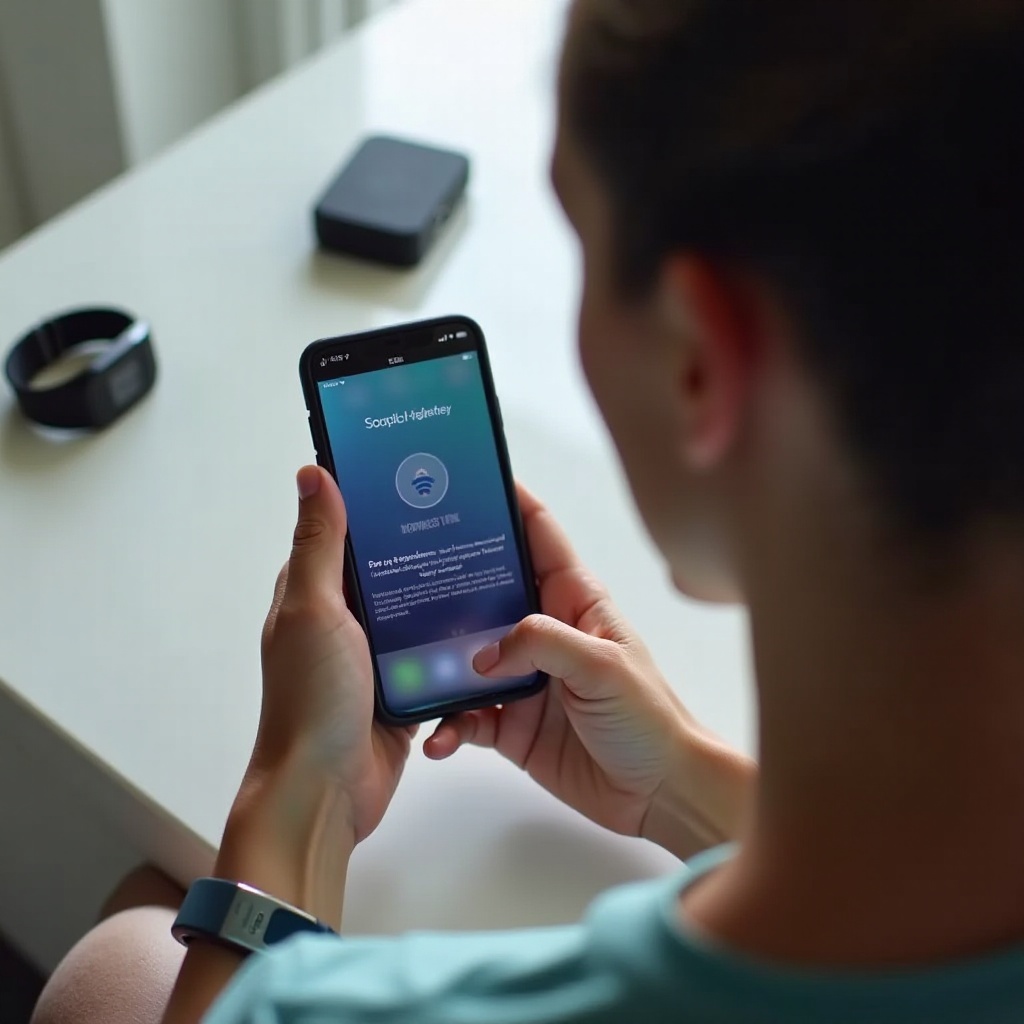
User experiences significantly influence the perceived integration efficiency between Fitbit and iPhone. Positive feedback centers on easy setup and high accuracy.
-
Positive User Reviews: Highlight the convenience and robust functionality of real-time data logging, which are deemed reliable and crucial for health-centric life.
-
Challenges and Solutions: Some users report issues like erratic disconnection or delays, which emphasize the necessity of maintaining updated software for smooth operation.
Recognizing these experiences assures even better synchronization, making the final wrap-up fortify the salient benefits of connecting your Fitbit with your iPhone seamlessly.
Conclusion
Linking your Fitbit with your iPhone is vital for maintaining effective and precise fitness monitoring. By following this guide, you’ll efficiently ensure compatibility and optimize the use of synced data. Covering setup, feature access, and troubleshooting is designed to offer a hassle-free experience, ensuring maximum benefit from your devices.
Frequently Asked Questions
Can all Fitbit models sync with the latest iPhones?
Most modern Fitbit models are compatible with recent iPhone models. Check Fitbit’s website for specific device compatibility information.
What should I do if my Fitbit won’t sync to my iPhone?
First, ensure Bluetooth is enabled and devices are updated. Restart both devices and attempt syncing again. Contact Fitbit support for persistent issues.
Are there any security concerns with Fitbit and iPhone connectivity?
Fitbit uses encrypted Bluetooth connections to keep data secure. Regularly update the Fitbit app and iPhone to ensure optimal security standards.