
Introduction
Harnessing the power of fitness apps on your iPhone can significantly boost your workout routine and effortlessly track your progress. With a host of innovative features, these apps are the perfect companions for anyone serious about reaching their fitness goals. This article is your ultimate guide on how to effectively use a fitness app on your iPhone.
Getting Started with Fitness Apps on iPhone
Before diving into tracking your workouts, it’s essential to properly set up your iPhone and select a fitness app that suits your needs. This initial step is crucial for a smooth integration into your fitness regime.
- Finding and Installing the Right Fitness App
- Open the App Store on your iPhone.
- Search using terms like ‘fitness tracker’, ‘workout app’, or ‘health app’.
- Look at reviews and ratings to ensure reliability before downloading.
-
Once you find an app that fits, tap ‘Get’ to install it.
-
Setting Up Your Fitness Profile
After installation, open your chosen app to create your fitness profile. Input details such as age, weight, height, and fitness goals. This personalization enables the app to make recommendations and tailor your experience.
Having established your profile, you are now ready to explore the basic functionalities your fitness app offers. These features are designed to optimize your sessions and keep you motivated.
Exploring Key Features of Fitness Apps
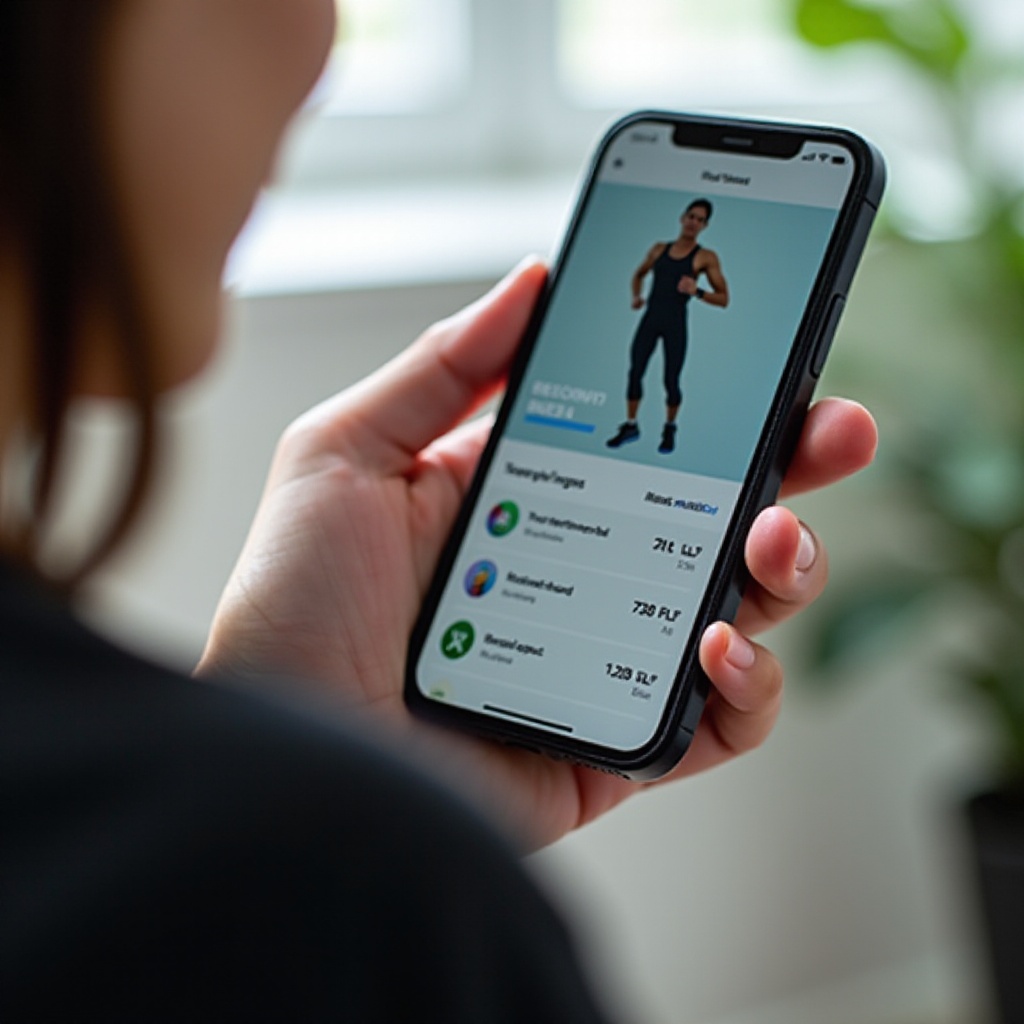
Many fitness apps on iPhones offer a range of features that can significantly enhance your workout sessions. Understanding these core functions will allow you to tailor your fitness journey effectively.
-
Tracking Your Workouts and Activities
Most fitness apps allow you to log different types of exercise routines including running, cycling, strength training, and yoga. Your iPhone’s GPS and motion sensors can accurately track parameters like speed, distance, and calories burned, providing instantaneous feedback. -
Integrating with Apple Health for Enhanced Tracking
By linking your fitness app with Apple Health, you can view a comprehensive picture of your health data. Go into the app settings to connect it with Apple Health. This enables syncing of steps, calories, and sleep data, offering detailed insights into your well-being. -
Customizing Notifications and Goal Setting
Use notifications to set reminders and alerts that help keep you on track with your fitness goals. Whether it’s hitting a weekly calorie target or achieving your step count, the app will notify you of achievements and provide motivating nudges.
Now that you have a grasp of the basic features, let’s explore the advanced options to maximize your workout experience.
Advanced Fitness App Features to Maximize Your Experience
Taking full advantage of your app’s advanced features can propel your fitness regime to new heights, allowing for greater customization and effectiveness.
-
Utilizing Built-in Workouts and Training Plans
Select apps come with expert-designed workout plans that cater to all levels. These structured sessions serve as perfect guides, helping you build a consistent routine as you advance through varying levels of intensity. -
Wearables Compatibility: Apple Watch and More
Pairing your app with wearables like the Apple Watch enhances accuracy, tracking heart rate and activities with precision. Most apps have a compatibility section in settings where you can manage device connections. -
Analyzing Your Fitness Data and Metrics
Dive deep into your performance data through advanced analytics. Identify trends and areas for improvement, making informed decisions about where and how to focus your training efforts.
Of course, like any technology, you may face occasional issues. Let’s address some common problems and solutions to ensure a seamless experience.
Troubleshooting Common Issues
Understanding how to troubleshoot issues ensures that even tech hiccups won’t derail your progress.
- Resolving Sync Errors
If you experience data not syncing, try these steps: - Verify your device is internet-connected.
- Update the app to its latest version.
-
Re-establish connections for wearables by disconnecting and re-pairing them to your iPhone.
-
Optimizing Battery Usage on Your iPhone
Fitness apps can be taxing on your phone’s battery. Maximize efficiency by closing background apps and reducing screen brightness during use. Consider using battery saver modes when not actively engaged with the app.
With these troubleshooting tips in mind, let’s focus on the community aspect which can greatly enhance your motivation.
Building a Fitness Community and Staying Motivated
A supportive community can elevate your fitness journey, reinforcing commitment and providing encouragement.
-
Connecting with Friends for Challenges and Support
Use your app’s social features to engage with friends or join group activities. Participate in friendly competitions, which can spur motivation and allow you to share achievements with others. -
Participating in App-specific Community Events
Many apps offer events like virtual races and fitness challenges. Engaging in these promotes a sense of community and provides opportunities for discovering new workouts, contributing to a rewarding and connected fitness experience.
Conclusion
You now have the tools needed to fully leverage fitness apps on your iPhone, fostering accountability and achieving your health objectives. Equipped with both basic and sophisticated features, these apps are indispensable allies on your wellness journey. Embrace technology and own your fitness path today.
Frequently Asked Questions
How do I choose the best fitness app for my needs?
Consider your fitness goals, read user reviews, and select apps with features that align with your specific interests, such as workout types or integrated health tracking.
Can I use multiple fitness apps simultaneously on my iPhone?
Yes, you can use multiple apps together. Ensure they sync well with each other and with Apple Health to streamline data collection and tracking.
How can I ensure the accuracy of the data tracked by my fitness app?
Confirm your device and app settings are correct, keep the software updated, and consider regular calibration checks to ensure data accuracy.