
Introduction
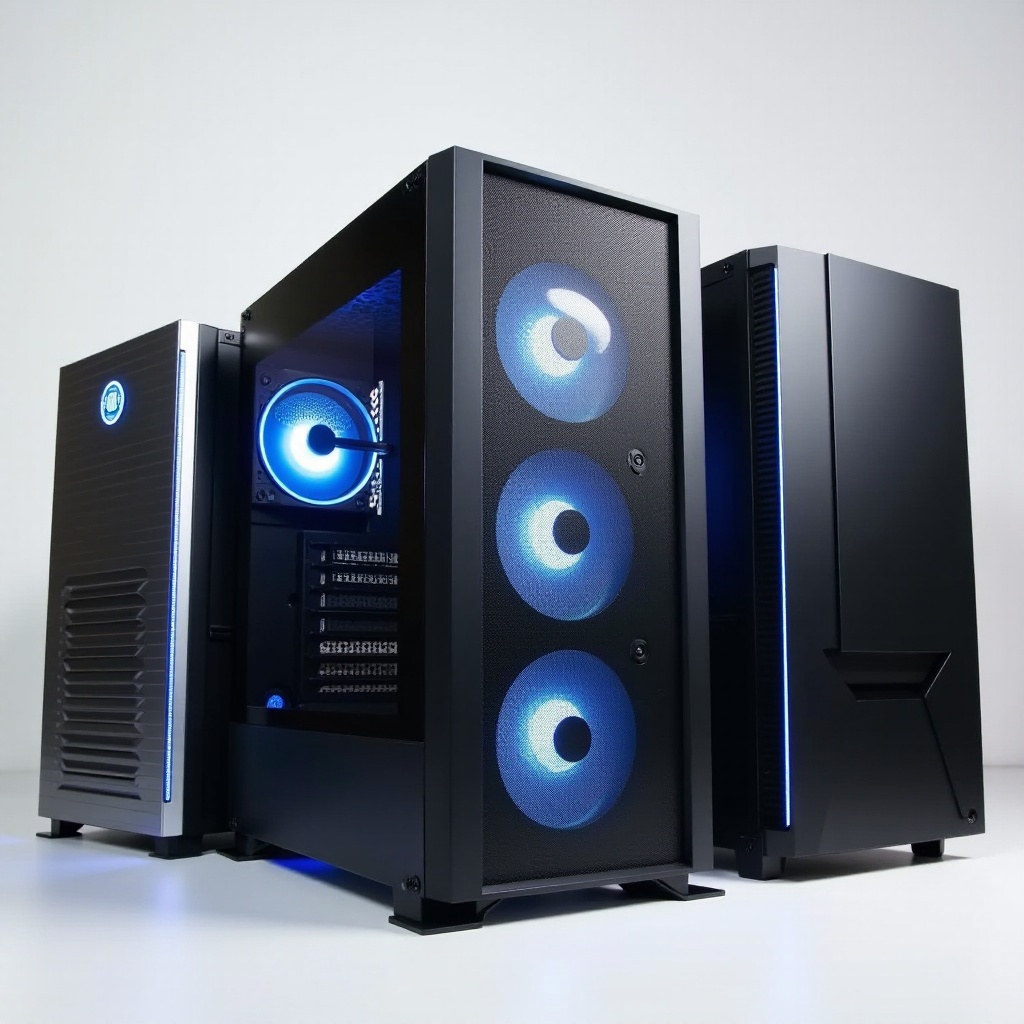
Achieving the ideal PC setup begins with selecting the right computer case. With numerous options available, it can be challenging to find one that balances functionality, aesthetics, and cost. Fortunately, you can secure a high-quality case without spending a fortune. In this article, we’ll highlight the top 10 computer cases under $100 available in 2024, offering remarkable value and performance for both casual users and gaming enthusiasts.
Benefits of Budget Computer Cases
Budget-friendly computer cases provide excellent value without skimping on essential features. They allow you to allocate resources efficiently across other components of your build. Many of these cases rival their pricier counterparts in terms of build quality, airflow, and expandability. Their adaptable designs make them suitable for diverse purposes, whether you’re setting up a gaming rig or an office workstation.
Transitioning from the financial benefits, budget cases also cater to various personal preferences. Some users prioritize a striking design, while others focus on internal features like advanced cooling solutions or sturdy construction materials. With a clear understanding of your priorities, you’re in a good position to explore these key features further.
Key Features to Consider When Buying
When you’re in the market for a computer case under $100, consider these essential features:
-
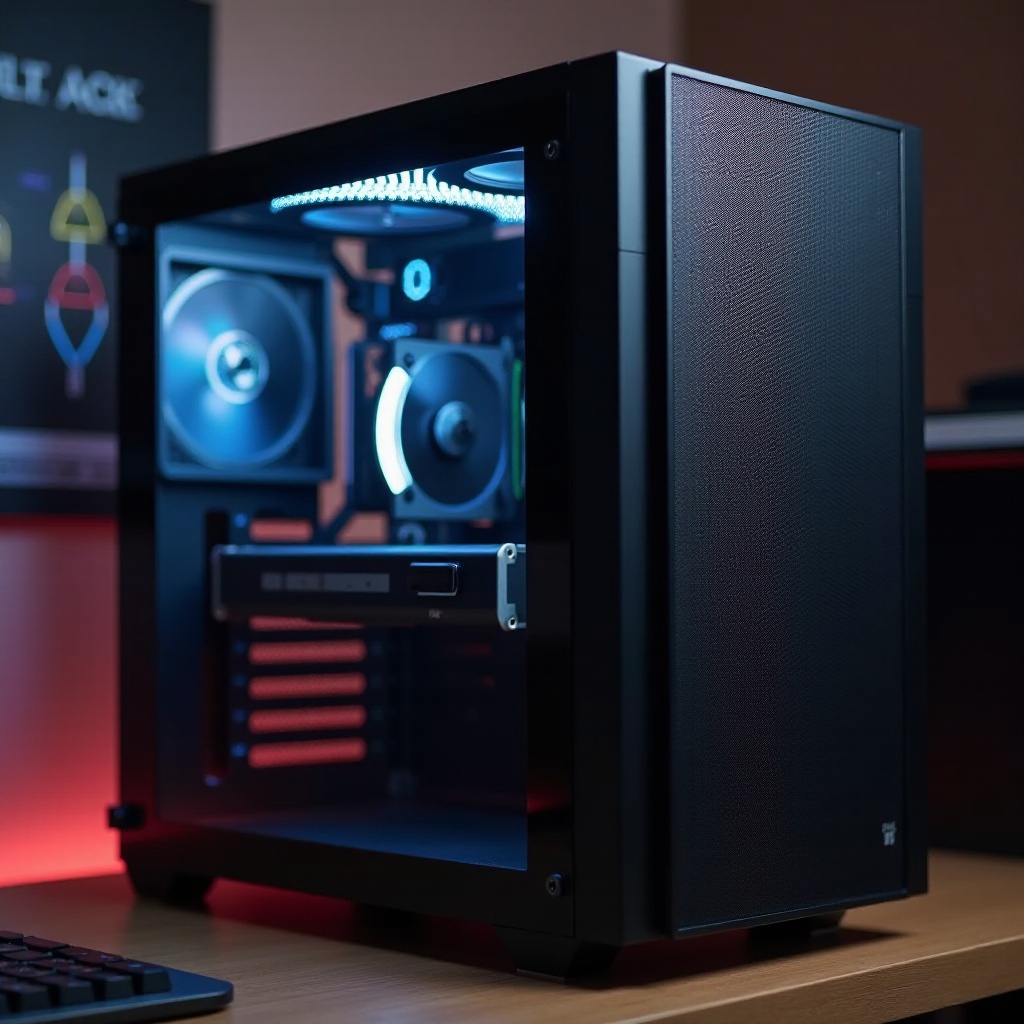
Cooling and Ventilation: Effective airflow is crucial to keep your PC components running optimally. Seek cases that offer multiple fan mounting options or come with pre-installed fans. Some budget cases even support liquid cooling for enhanced thermal management.
-
Component Compatibility: Ensure the case is compatible with the motherboard size you plan to use (such as ATX, Micro-ATX, or Mini-ITX) and has adequate room for your GPU, power supply, and other components.
-
Design and Aesthetics: For many, the appearance of a case is as important as its function. Look for designs with tempered glass panels, customizable RGB lighting, or modern finishes that match your style.
-
Build Material and Durability: A well-constructed case made from steel or tempered glass typically lasts longer than one with inferior materials. These durable cases safeguard your hardware investment over time.
Having examined these features, you’ll be more equipped to identify a case that fits your criteria. Let’s dive into our list of the top 10 best computer cases under $100 for 2024, emphasizing their distinct qualities and benefits.
Top 10 Best Computer Cases Under $100
Explore our curated selection of top computer cases under $100 for 2024:
- Case 1: Corsair Carbide Series 175R
- Features: Clean, modern design with a tempered glass side panel and RGB-illuminated front logo.
- Pros: Easy arrangement of internal components with solid airflow.
-
Cons: Space constraints when installing large radiators.
-
Case 2: NZXT H510
- Features: Features a minimalist look with excellent cable management paths.
- Pros: Solid construction and optimal cooling support.
-
Cons: Limited space for longer graphics cards.
-
Case 3: Cooler Master MasterBox Q300L
- Features: Offers a modular, flexible design with built-in dust filters.
- Pros: Compact dimensional suitability and customization-friendly.
-
Cons: Front fan mounting options are somewhat limited.
-
Case 4: Phanteks Eclipse P300A
- Features: Mesh front panel designed for clear airflow and spacious layout.
- Pros: Excellent openness for cooling enthusiasts.
-
Cons: Basic aesthetics, lacks flair for some users.
-
Case 5: Fractal Design Focus G
- Features: Includes pre-installed LED fans and a large side window for visibility.
- Pros: Traditional design with comprehensive fan support.
-
Cons: Limited advanced cable management.
-
Case 6: Thermaltake Versa H18
- Features: Compact ATX case with a mesh front for better airflow.
- Pros: Budget-conscious choice with room for thermal arrangements.
-
Cons: Smaller form factor limits internal modifications.
-
Case 7: Deepcool Matrexx 30
- Features: Compact design, highlighted by a tempered glass side window.
- Pros: Economical price point, robust structure.
-
Cons: Limited I/O selection; fewer front ports.
-
Case 8: Antec DP301M
- Features: Distinct angular style with pre-installed RGB lighting strips.
- Pros: Efficient PSU shroud and sophisticated looks.
-
Cons: Channeling airflow can present challenges.
-
Case 9: Rosewill Spectra C100
- Features: Aesthetic RGB fans and honeycombed mesh for optimal ventilation.
- Pros: Ease of assembly and eye-catching appearance.
-
Cons: Missing USB Type-C connectivity.
-
Case 10: AeroCool Blade
- Features: Includes RGB light lines along the front, with additional side venting.
- Pros: Excellent value, competent build standards.
- Cons: Features remain somewhat basic overall.
Each case provides unique advantages tailored to varied user needs, ensuring diverse choices for every PC builder.
How to Maintain and Care for Your Computer Case
Post-purchase maintenance is key to ensuring longevity for your chosen case. Regular cleaning is essential to maintaining optimal airflow. Dust can be removed from vents and fans using compressed air. Effective cable management improves internal airflow and simplifies upgrades. Frequent inspections for any signs of wear such as loose screws or panel scratches will prolong the durability of your case.
Caring for your computer case not only safeguards your components but also ensures peak performance for your system over time. With clarity on maintenance, let’s conclude with a brief wrap-up of our findings.
Conclusion
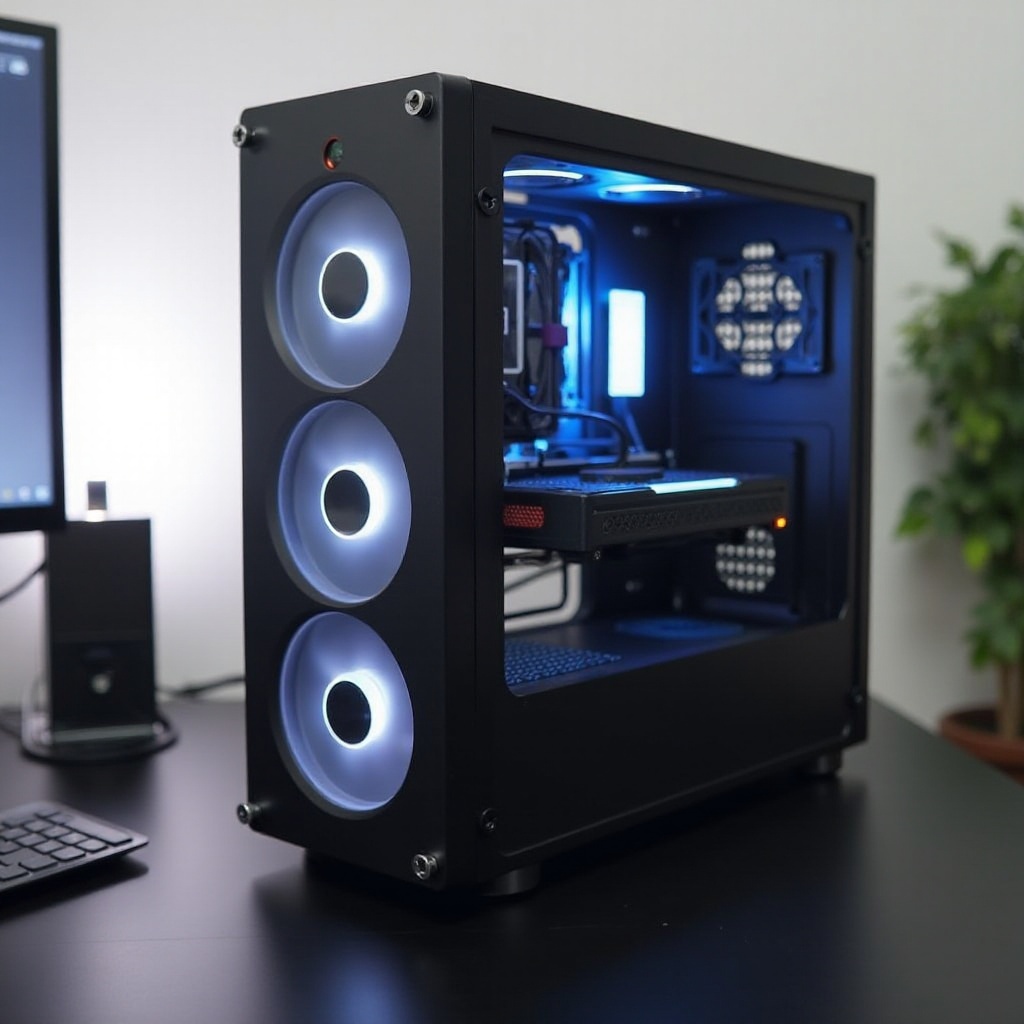
Choosing a computer case under $100 shouldn’t mean settling for lower quality. The models surveyed within this article bring together the best of functionality, design, and affordability, ideal for budget-conscious builders and enthusiasts alike. Whether embarking on your first build or seeking an upgrade, these cases offer the solid foundations required for a successful PC configuration. Prioritize what’s important to you, and take advantage of this year’s budget-friendly, high-quality options.
Frequently Asked Questions
What should I look for in a computer case under $100?
Look for cases with good airflow, compatibility with your components, aesthetics, and durable build materials. Features such as USB ports and easy assembly also matter.
Are there any reliable brands for budget computer cases?
Yes, brands like Corsair, NZXT, and Cooler Master are renowned for producing reliable and well-crafted budget computer cases.
Can I use a budget case for a gaming setup?
Absolutely! Many budget cases offer sufficient space and cooling options for gaming setups. Ensure the case supports your components and has efficient ventilation.